Showing posts with label technique. Show all posts

Nov 19, 2015

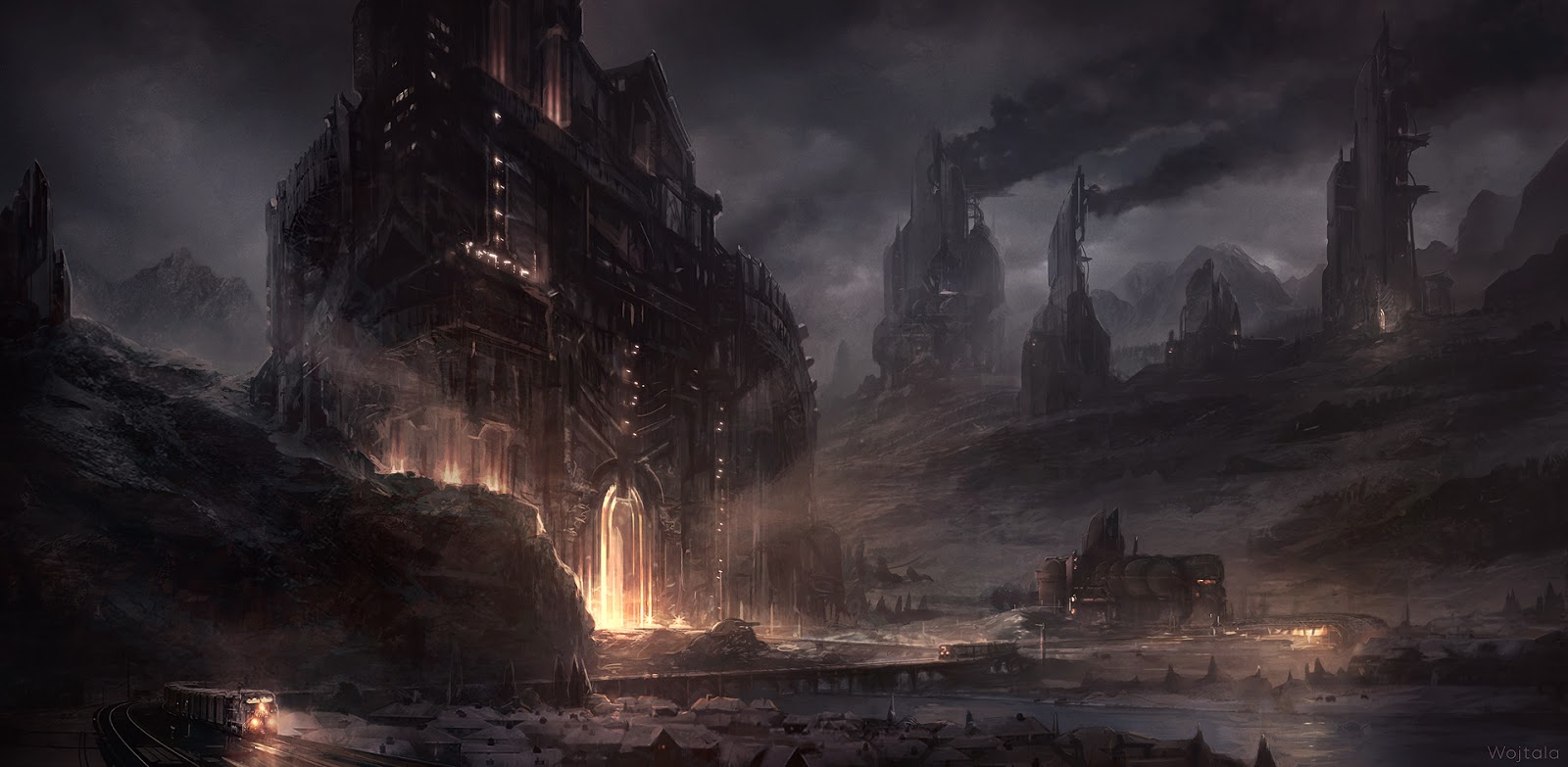
Evil Fortress - Tutorial

A few words more about Evil Fortress.

I wanted to paint a snowy environment. At that point I was doing a lot of 20-50 minutes sketches. The majestic fortress sketch was my favorite. You can see some arrows and lines - I was thinking about focal points and path leading your eye, I had a plan.


At this early phase I still add elements and modify composition when I see fit. I used a lot of custom brushes and photo textures. It was something I was training at that point in time. I liked the environment getting more dark and moody.


I did like composition and overall feeling but I felt I can put more love in colors. I did a few color balance iterations, but the brightest idea was painting quickly the changing snowy evening outside my window. It helped me a lot to get the colors right. Plain air can be very useful.


After that it was just simple rendering. I used few new custom brushes, just to learn something new. Also I ended up with overpainting most of photo textures but I did like that. At some point I just stopped painting this Evil Fortress and decided to show it to the world.
I hope you liked this step by step. More to come soon.
Peace!


Nov 9, 2015

Painting techniques - First steps - Fast Photoshop Setup (Brushes, Actions, Keys)

From time to time I will share my art knowledge and experience. I will divide it into sections - Technique / Mindset / Insight. Let us start with the technique. Follow me for more www.facebook.com/wojtala

I decided to start with my very beginnings, a Photoshop setup.
I used to paint with classical techniques, but at some point in late 2001 I started to paint with computer tablet. It had so many useful tools and options I was amazed. It reminded me of a Starcraft game, where learning keyboard shortcuts made you faster and helped a lot.  I created a Photoshop setup I still use and develop. It helps to get all I want from Photoshop very fast.

Keyboard - try to set it up so you can have a good flow and you don't need to click on any icon or menu. Try to remember all useful shortcuts. After a while it will be natural and fast. When needed, record and use Photoshop's actions. Here is my setting:

https://www.dropbox.com/s/obey17vhm3b4ceu/Wojtala%20Keyboard.kys?dl=0
https://www.dropbox.com/s/x46jpp8krw8nor5/Wojtala%20Actions.atn?dl=0

(install it in Photoshop's Keyboard Shortcuts Menu and Actions Window)

Brushes - I have a lot of brushes, some of them I do use a lot, some of them are for special occasions, most of them I still try to get to know better.

https://www.dropbox.com/s/x15r6mgnonrzt87/Wojtala%20Brushes.zip?dl=0


My pack of brushes is strongly based on what other concept artist have shared (thank you guys!):
Maciej Kuciara brushes (http://maciejkuciara.deviantart.com/art/Free-Brushes-2015-534474486)
Jonas De Ro brushes (http://jonasdero.deviantart.com/art/FREE-PHOTOSHOP-GIMP-BRUSHES-Explanation-348274576)
Shaddy Saffadi brushes (http://www.shaddyconceptart.com/download)
Dan Lu Visi brushes (http://danluvisiart.deviantart.com/art/My-Brush-Pack-2-0-370697141)
Paweł Świeżak brushes (https://www.facebook.com/profile.php?id=100003494336952)
Darek Zabrocki brushes (http://daroz.deviantart.com/art/FREE-PHOTOSHOP-BRUSHES-DAREK-ZABROCKI-BRUSH-SET-431393487)

Hope you like this few words, if something is unclear or wrong, feel
free to post me a message. Follow me for more www.facebook.com/wojtala

Cheers,